
How to Set Up VoIP: Step-by-Step Guide 2026
A provider-agnostic setup guide for UK businesses installing VoIP properly
If you want to know how to set up VoIP for business use, the process should be broken into clear stages: check requirements, choose the right VoIP equipment, prepare the network, install software and hardware, test call quality, and then go live with confidence. This guide stays focused on setup only.

What a clean VoIP setup process should cover
A business VoIP setup should move from planning into testing in a defined order rather than trying to do everything at once.
Requirements
Check internet performance, router readiness, local network stability and the type of users or locations the system has to support.
Installation
Install the chosen apps and devices in a structured order so phones, softphones and user accounts are easier to validate and support.
Testing
A bandwidth test, internal call testing and a controlled go-live stage help catch weak points before the setup is used fully across the business.
The step-by-step VoIP setup process
This guide follows six practical stages: check requirements, choose VoIP equipment, configure the network, complete installation, test call quality, and go live. Each stage makes the next one easier.
Internet quality, bandwidth test, router readiness and user environment all come first.
Match IP phones, headsets, softphones and meeting devices to how users actually work.
Prepare switching, cabling, router rules and local priorities before wider rollout begins.
Set up phones, apps, user access and local devices in a controlled order so issues are easier to isolate.
Run internal and external checks, confirm stability and use a bandwidth test to verify the network behaves properly.
Launch in a controlled way, confirm live usage and keep a short support window open while users settle into the new setup.
Step 1: Check VoIP requirements first
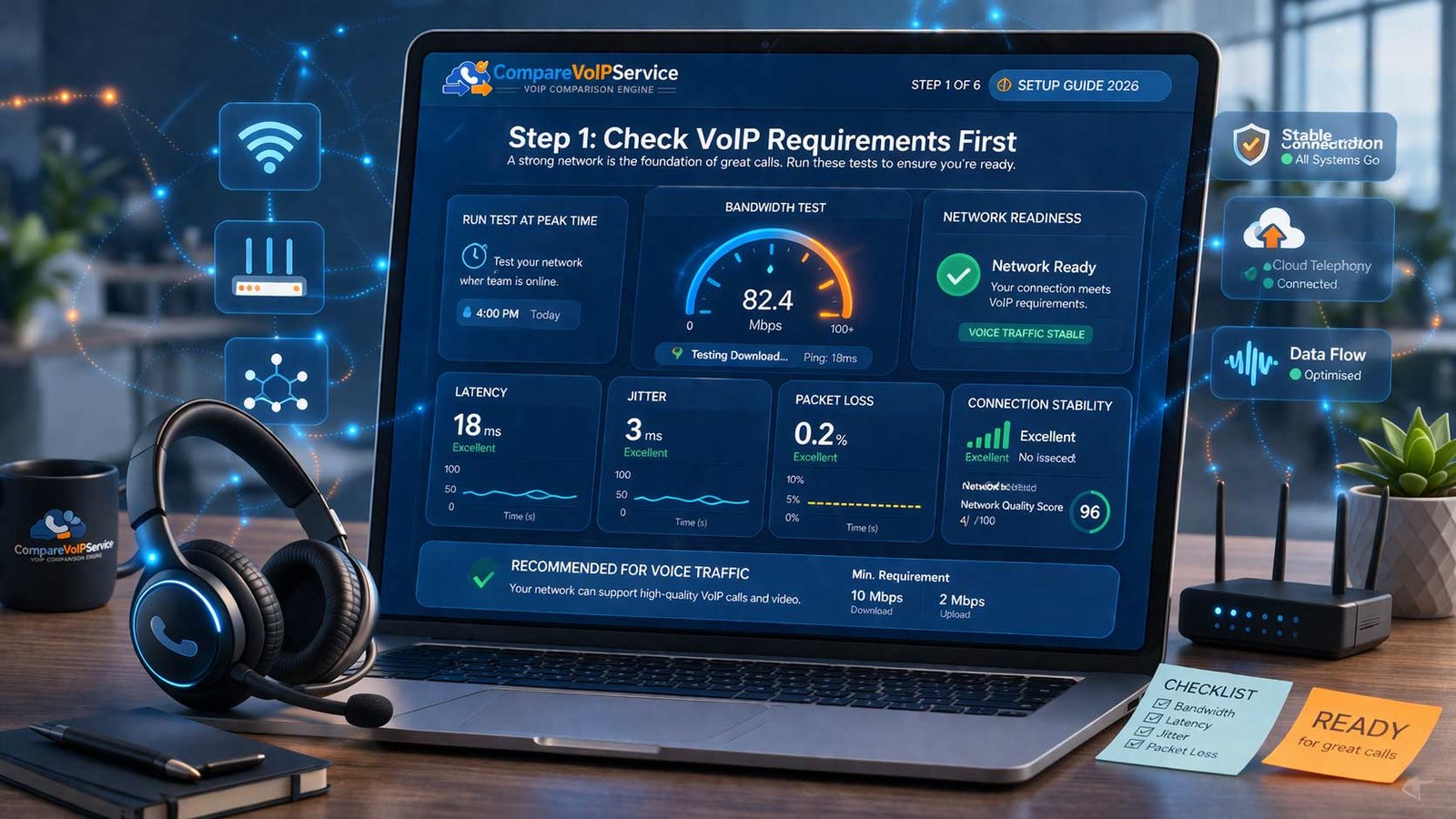
Before you install anything, make sure the local setup can support reliable voice traffic.
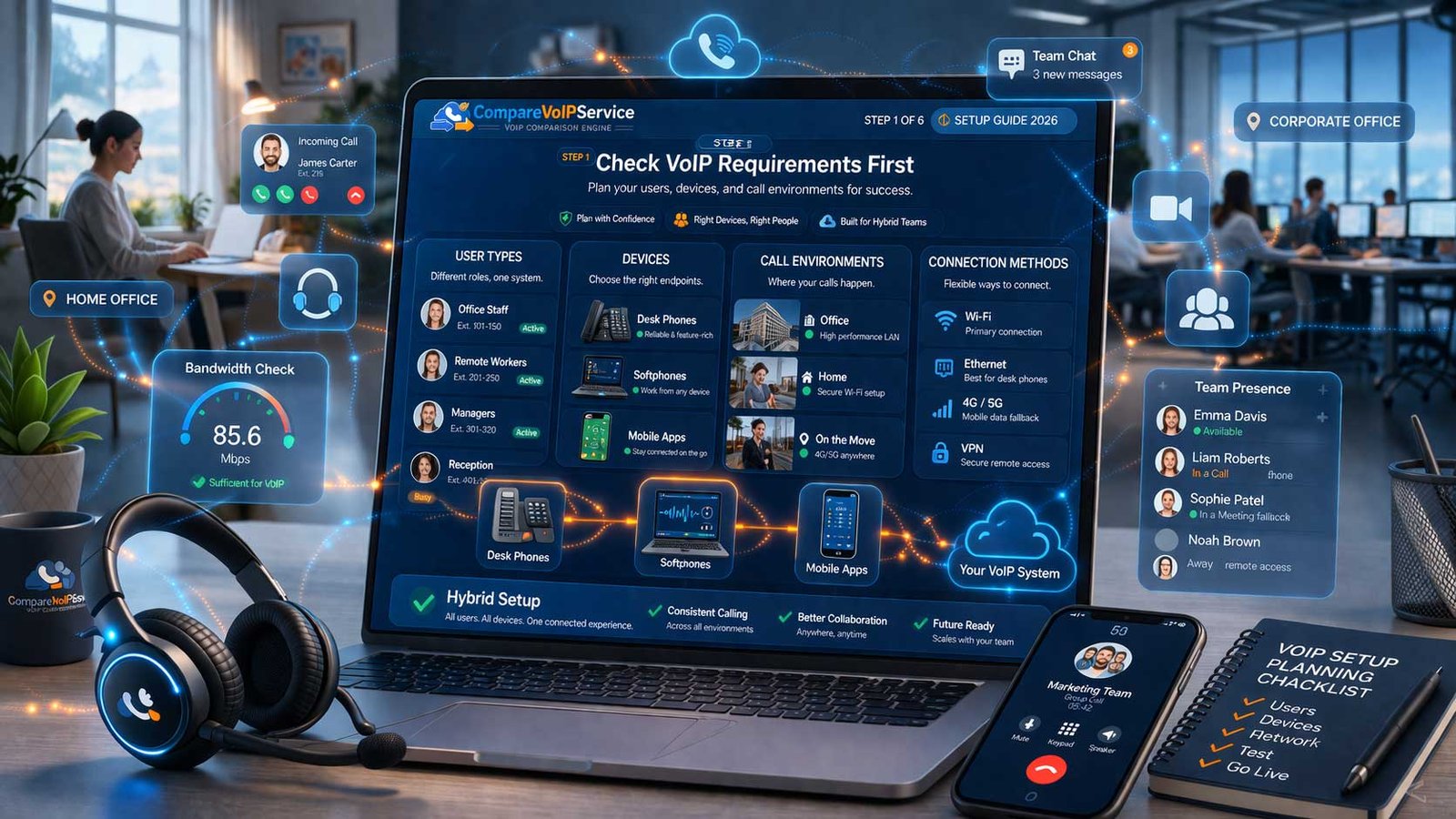
For most businesses, the core VoIP requirements are straightforward: stable internet, enough bandwidth for concurrent calls, a capable router, a healthy internal network, and a clear understanding of how users will connect. A good VoIP installation usually fails or succeeds at this stage because later troubleshooting often traces back to weak preparation.
Start by checking where calls will be made and received. Are staff based mainly at desks, using softphones on laptops, working on mobile apps, or spreading calls across multiple locations? The answer affects bandwidth expectations, headset needs, and how the network should be prepared.

Choose only the equipment you will really use
Step 2: Choose the right VoIP equipment
VoIP equipment should match user behaviour, not assumptions.
A business VoIP setup may use IP desk phones, softphones, business mobile apps, wired or wireless headsets, conference devices, and network switches that support the environment properly. The right mix depends on how staff make calls day to day. Many teams do not need every device type. They need the right combination of devices and software.
Desk-based users
IP desk phones and wired headsets often suit reception, fixed desks and teams handling frequent calls from one location.
Flexible users
Softphones, business calling apps and wireless headsets suit hybrid staff who move between desk, meeting room and mobile working.
Meeting spaces
Conference devices or shared room tools may be needed where teams take group calls or need a better meeting-room voice setup.
The key is to avoid overbuying. A clean VoIP setup often works best when each user group gets the minimum hardware and software needed for good call handling, dependable audio and easy support.
Step 3: Configure the network before installation
The network should be treated as part of the VoIP installation, not as an afterthought. If the local network is overloaded, unstable or poorly configured, call quality issues can appear even when the phones and apps are installed correctly.
Router and firewall readiness
Check whether the router can handle business voice traffic properly and whether the local security setup is likely to cause avoidable connection issues.
Switching and cabling
If IP phones are being used on site, switching capacity, cable quality and power support should be checked before the first handsets are connected.
Voice traffic priority
Where possible, set the network so voice calls are less affected by bursts of other traffic such as large uploads, backups or heavy cloud use.
This stage does not need to become overcomplicated. The aim is simply to make the local environment voice-friendly before phones and softphones are rolled out more widely.
Step 4: Install software and hardware in a controlled order
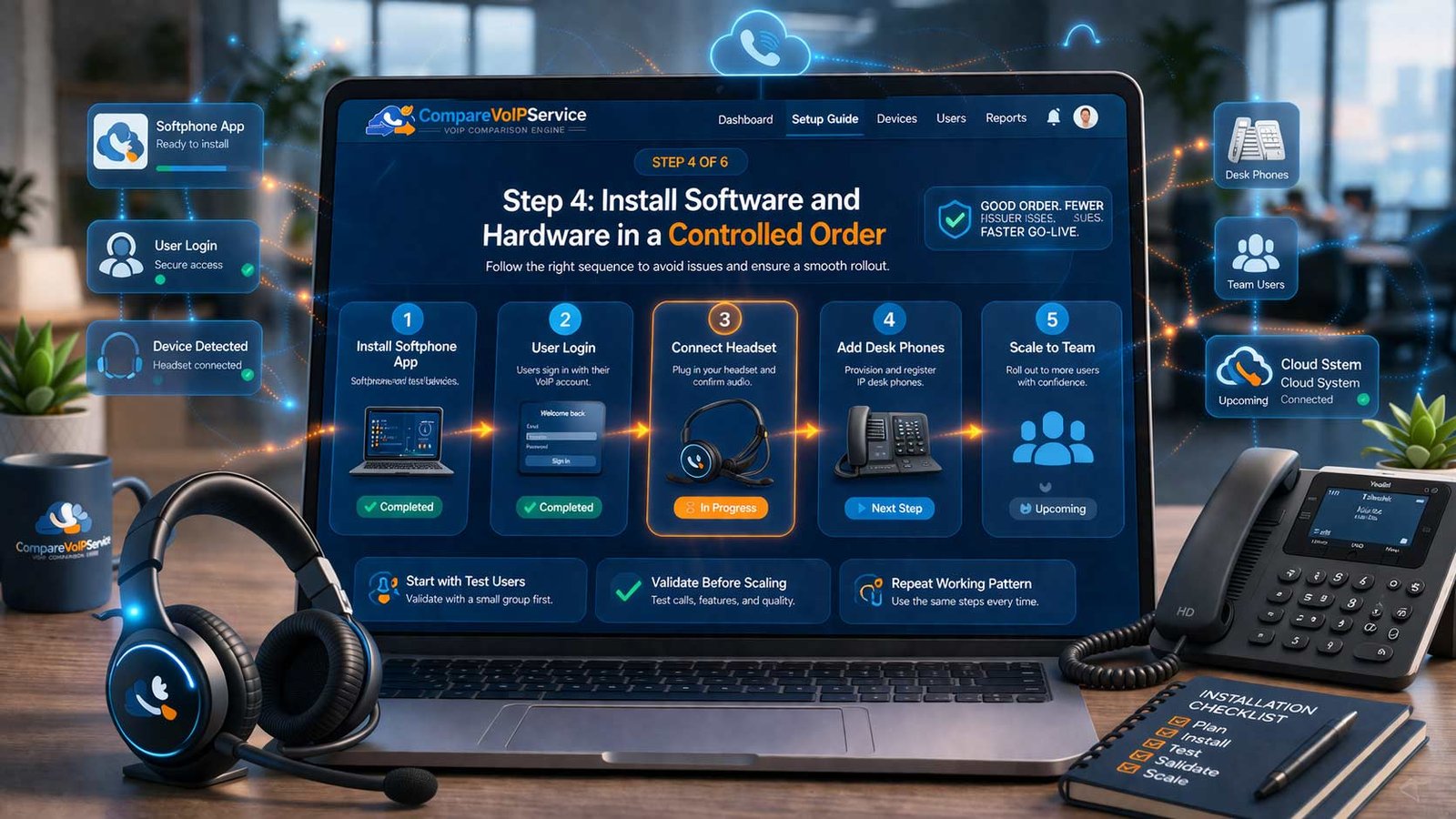
Install user apps and hardware in a sequence that makes problems easier to identify and fix.
Once the network is prepared, begin with a small test group or representative users if possible. Install the business calling app or softphone, connect headsets, confirm login access, and then move to desk phones or shared devices where needed. This makes the VoIP installation cleaner because the business can validate one environment before scaling the same pattern across other users.
The more structured the installation phase is, the easier it becomes to support users and keep the setup consistent across departments or locations.

Step 5 and 6: Test call quality, then go live carefully
A VoIP setup should always be tested before it is treated as fully live. This is the stage where the business confirms the phones, apps, network and user workflows actually work together in real conditions.
Bandwidth test
Repeat the bandwidth test during active business hours so the result reflects real conditions, not only quiet periods.
Internal and external call checks
Test call clarity, hold, transfer, mute, voicemail, headset switching and basic user behaviour before wider live use begins.
Controlled go-live
Launch the setup in stages where possible, confirm user adoption, and keep a short support and review window open during the first live period.
Going live should not feel like a single dramatic switch. A good process keeps risk low by confirming that users, devices and network behaviour all remain stable under normal daily use.
Common VoIP setup mistakes to avoid
Skipping requirements checks
Trying to set up VoIP without checking the internet, router and local environment often creates problems that are harder to diagnose later.
Overcomplicating equipment
Buying more handsets, devices or accessories than users really need can make the VoIP installation harder to manage and support.
Going live without full testing
Skipping the bandwidth test, call quality checks or live-user validation makes it more likely that avoidable issues reach real customers and staff.
Frequently asked questions
What is the first thing to check before setting up VoIP?
Start with the VoIP requirements: internet stability, local bandwidth, router readiness and the types of users or devices that will depend on the setup.
What VoIP equipment does a business usually need?
Most businesses use some mix of IP phones, softphones, business mobile apps, headsets and supporting network hardware. The right mix depends on user behaviour and working environment.
Why is a bandwidth test important before go-live?
A bandwidth test helps confirm the local network can support voice traffic reliably under real business conditions, not only during quiet periods.
Should a business install everything at once?
Usually not. A more controlled installation is easier to support and makes it simpler to spot user, device or network issues before they affect everyone.
When should number changes or transfer planning happen?
That should be handled separately from this setup guide. For that process, use the Number Porting guide rather than mixing it into the installation workflow.
Where should a business go after reading this guide?
If you still need category research, use Best VoIP. If you need a basic concept refresher first, use What is VoIP. If you need transfer planning, use Number Porting.