
What is VoIP?
VoIP explained for businesses that want the basics clear before moving into provider shortlists.
If you are new to business phone systems, this page gives you a straightforward introduction to what VoIP means, how it works, the terms you are likely to encounter, and what to check next before comparing providers. It is built for early-stage researchers, not as a buying guide.
Informational page only
Use this page to understand the concept first. Use the shortlist page and quiz after the basics are clear.
What is VoIP in one clear answer?
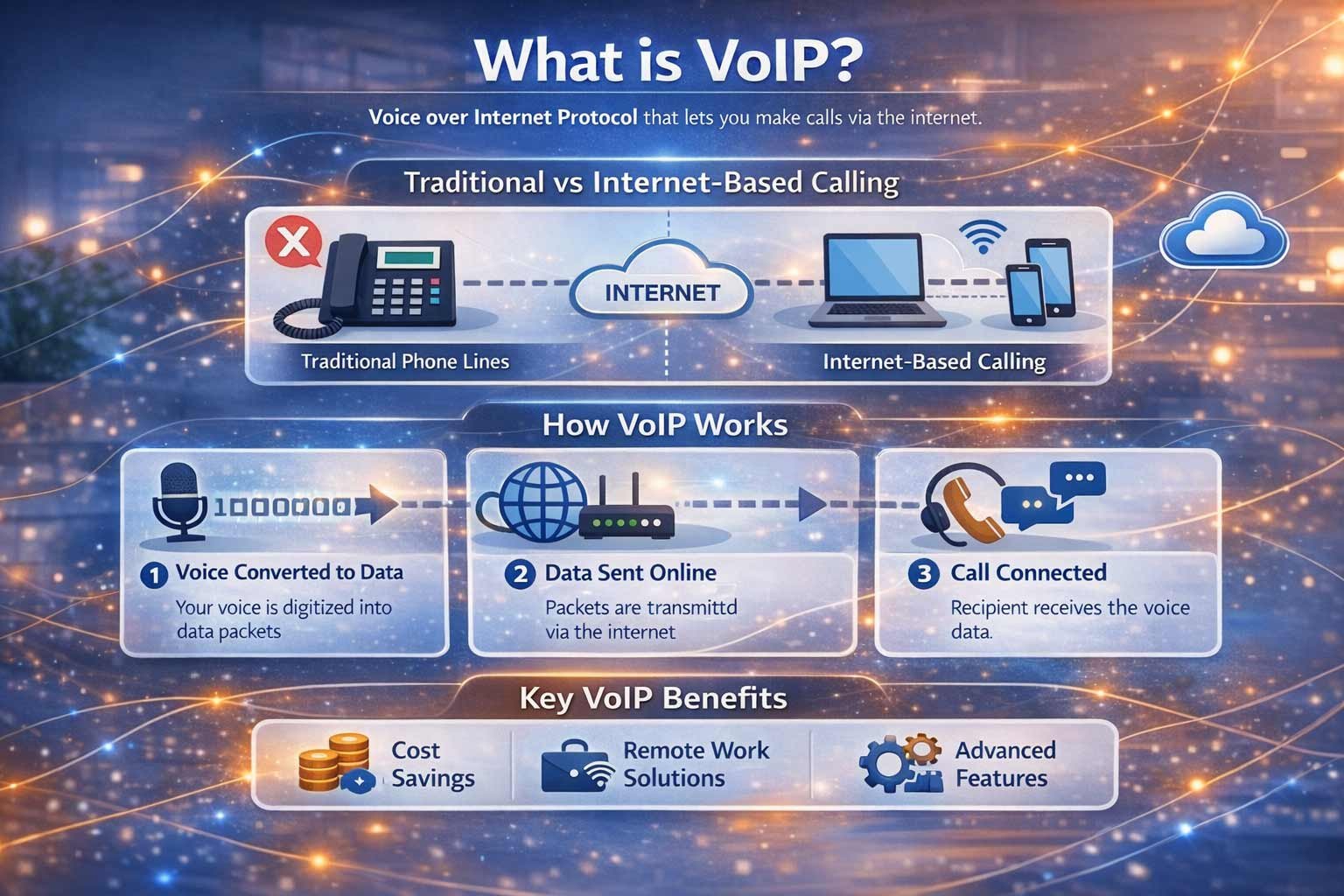
VoIP is a phone system that uses your internet connection to make and receive calls instead of relying on traditional phone lines.
VoIP stands for Voice over Internet Protocol. The name sounds technical, but the idea is simple. Your voice is converted into digital data, sent over the internet, then turned back into sound for the person on the other end.
For a business, that usually means more flexibility than older line-based systems. Calls can be handled through desk phones, laptops, apps, or headsets. Teams can work from the office, from home, or across multiple locations while still appearing under one business phone setup.
That does not mean every VoIP service is the same, and it does not automatically mean every business should buy the first provider it sees. The main purpose of this page is to help you understand the foundation first so the next step is more informed.
Plain meaning
Internet-based calling for business use.
Main shift
Calls move from fixed old-style lines to a service delivered over connectivity and cloud-based tools.
Typical devices
Desk phones, mobile apps, softphones, headsets, laptops, and browser-based tools.
Best next step
Understand the basics first, then move into the shortlist page or recommendation quiz.
How does VoIP work?
The technology sounds complicated, but the user experience is simple. You speak, the system converts your voice into digital data, sends it over the internet, and delivers it to the other person almost instantly.
You speak
Your voice is picked up by a desk phone, headset, laptop app, or mobile app connected to the business phone system.
Voice becomes data
The system converts your voice into digital packets that can travel over an internet connection rather than over an old analogue line.
Data travels online
Those packets move through the provider platform and internet infrastructure, where call routing, features, and business rules are applied.
The other person hears you
At the other end, the packets are reassembled into sound so the conversation feels natural and immediate.
Key VoIP terms you will see on other pages
You do not need deep technical knowledge to research business VoIP properly, but these common terms will make the next pages much easier to follow.
Hosted VoIP
A provider-managed service where the core phone system is delivered from the cloud rather than being maintained onsite by the business.
Softphone
An app on a computer or mobile device that lets users make and receive calls without needing a traditional desk handset.
Call routing
The rules that decide where inbound calls go, such as to a main menu, a department, a ring group, voicemail, or a fallback destination.
Porting
The process of moving an existing business phone number from one provider or service setup to another without changing the number itself.
Voicemail and auto attendant
Core features that help businesses direct calls, manage caller experience, and handle unanswered calls more professionally.
Unified communications
A broader term that can include calling, messaging, video, presence, and collaboration tools under one business communications setup.
Why do businesses move to VoIP?
Many businesses are not researching VoIP because they enjoy learning telecom jargon. They are researching it because they want more flexibility, a better operational fit, or a clearer path away from older phone setups.
Flexibility
Users can often work across devices and locations more easily than with fixed old-style line systems.
Business call handling
Menus, voicemail, routing rules, and team-based call flows are usually easier to manage in a modern setup.
Scalability
Adding users, changing routing, or adjusting the setup is often more straightforward than with legacy systems.
Future readiness
Businesses increasingly want a setup built around connectivity and modern software rather than older line assumptions.
That said, understanding why businesses move to VoIP is not the same as deciding which provider is best. This page is still the learning layer. Once you know what VoIP means and what matters to your business, the next step is either the recommendation quiz or the main shortlist page.
What to check next after learning the basics
Common beginner mistakes
Once you are past those mistakes, the next pages become much easier to use well.
What should you do after this page?
That depends on whether you want a broad shortlist or a quicker guided route. This page should hand you forward, not try to replace those next steps.
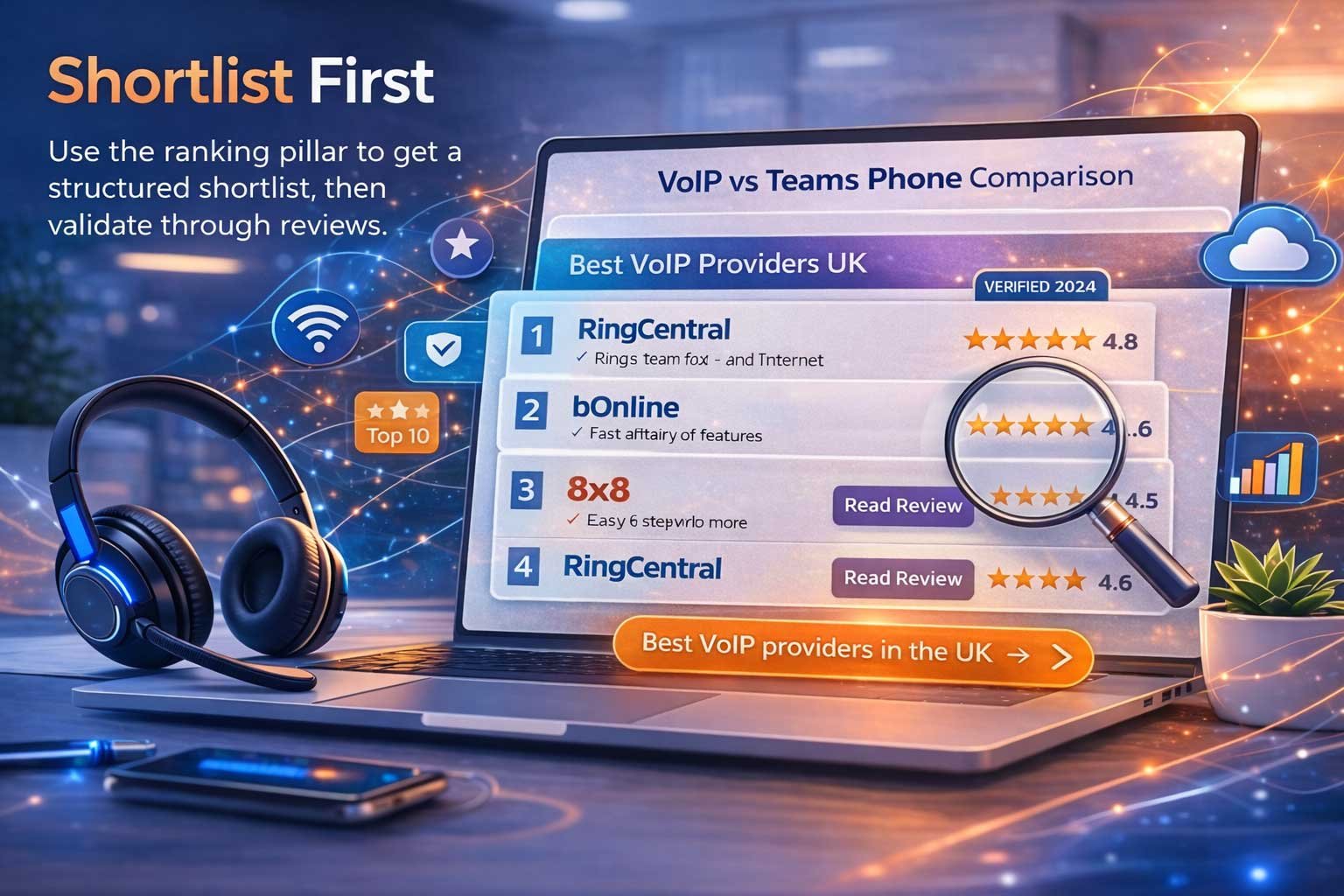
Go to the shortlist page
Use this route if you now understand what VoIP is and want to start exploring provider options at a broader level.
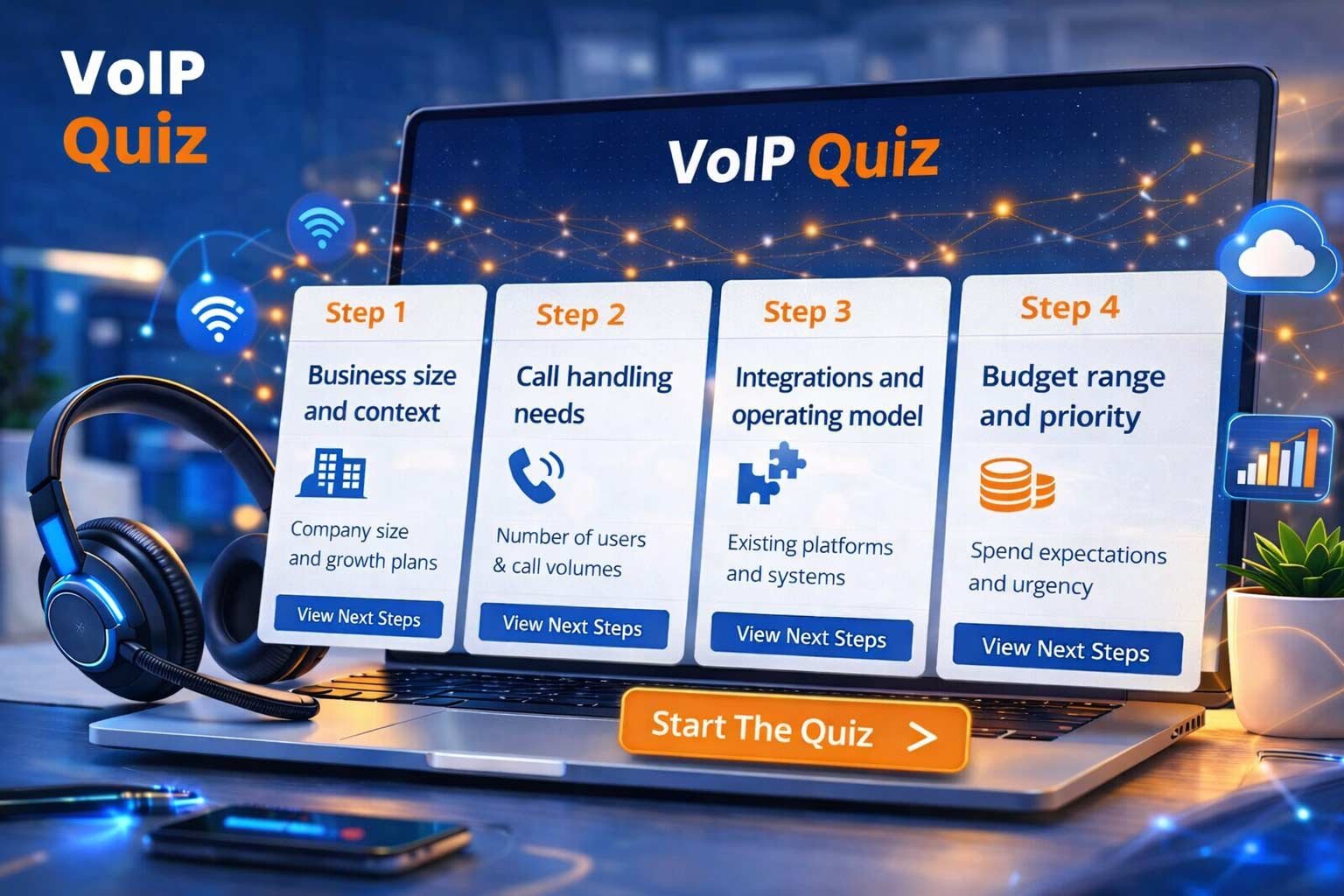
Use the recommendation quiz
Use this route if you want a faster guided handoff based on your business situation rather than starting with a broad shortlist.
Frequently asked questions
Quick answers for readers who want the essentials before moving into the next page.
What does VoIP stand for?
VoIP stands for Voice over Internet Protocol. It means voice calls are delivered over an internet connection rather than a traditional analogue phone line.
Is VoIP just for large businesses?
No. Businesses of many sizes use VoIP. What matters more is whether the setup fits your team structure, call handling needs, and working style.
Do I need a desk phone to use VoIP?
Not always. Many businesses use a mix of desk phones, laptop softphones, mobile apps, and headsets. The right device mix depends on how the team works.
Does VoIP mean getting rid of every phone number I already have?
Not necessarily. Many businesses explore VoIP while planning to keep existing numbers through porting. That is a separate step from simply understanding what VoIP is.
Is this page the best place to choose a provider?
No. This page explains the concept. To move into provider research, go to Best VoIP providers in the UK or take the VoIP recommendation quiz.
What should I do after reading this page?
If you want a broader market view, go to the shortlist page. If you want a quicker guided route, use the recommendation quiz.
Now that you know what VoIP is, choose the right next step
This page has done its job when the concept is clear. The next step is not another definition page. It is either a broader shortlist or a guided fit route.