
VoIP for Remote Teams UK 2026
A practical guide to VoIP remote working for hybrid and fully distributed teams
Remote and hybrid teams need more than basic internet calling. The right setup should support a strong mobile app, reliable softphone use, clear presence, practical video integration, and everyday collaboration without creating extra admin. This page focuses only on remote-team fit, rollout priorities, and what to check before switching.
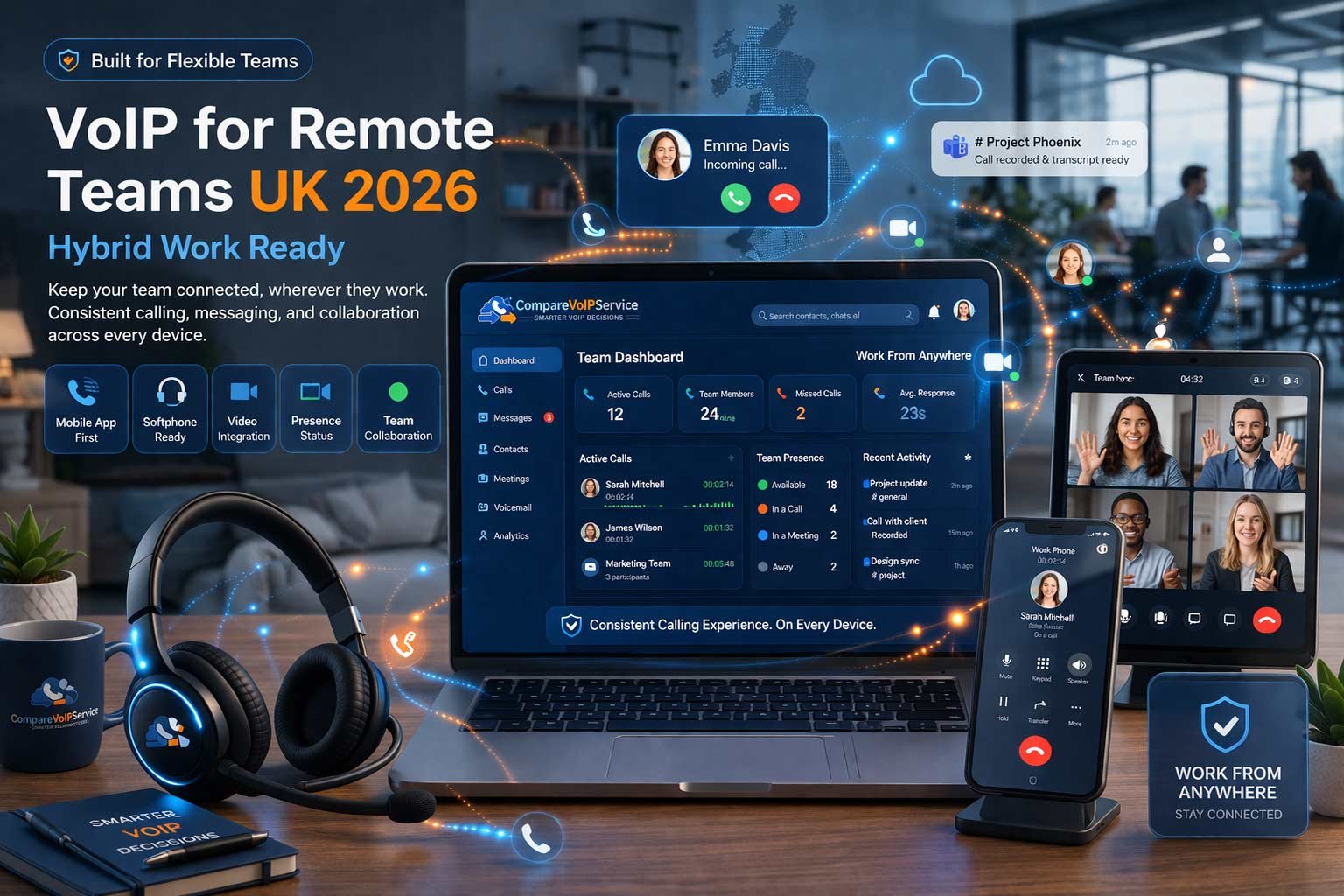
Why remote and hybrid teams need a different phone setup
A remote team phone system has to work across changing locations, mixed devices and less predictable working patterns.
Flexible device use
Remote staff should be able to move between laptop, mobile app and softphone use without losing consistency or business identity.
Shared visibility
Presence, status and handover clarity matter more when teams are not sitting together and calls need smoother internal routing.
Connected workflows
For remote work, voice should sit naturally alongside video integration and collaboration rather than feeling like a separate tool.
Essential features for VoIP remote working
The strongest remote-team platforms are usually the ones that handle everyday usage well. That means dependable mobile app access, usable softphone tools, video integration where needed, and collaboration support that fits how distributed teams actually work.
Mobile app quality
For many remote teams the mobile app is the front line of the business phone experience. It should make business calling feel stable, clear and easy to manage on the move.
Softphone usability
A remote-ready softphone should make hold, transfer, mute, device switching and headset use easy enough for staff to handle without constant support.
Presence and status
Remote teams rely on digital visibility. Clear presence helps reduce missed handovers and makes internal routing more natural when staff are spread out.
Video integration
Hybrid teams often move between calls and meetings. Practical video integration reduces switching friction and supports smoother communication flows.
Collaboration fit
The best remote-team platforms support collaboration habits already in place instead of forcing staff to work across disconnected tools.
Simple admin control
Remote teams benefit most when user setup, permissions and device support stay manageable as staff switch between home, office and travel.
Which type of VoIP setup tends to fit different remote teams
This page does not produce a general top-provider ranking. For remote and hybrid teams, the best fit usually depends on how staff collaborate, how often they switch devices, and whether the business prioritises simplicity or broader unified communication capability.
Small hybrid teams
Usually best served by platforms that keep mobile app and softphone use simple, make onboarding quick, and avoid unnecessary complexity for staff moving between home and office.
Growing distributed teams
These teams often need stronger user visibility, collaboration support and better admin structure so communication still feels joined up as headcount and locations increase.
Microsoft-centred hybrid businesses
Where staff already live inside a broader collaboration environment, the right telephony fit is often the one that reduces switching and supports more consistent daily workflows.
What to check before rolling out a work from home phone system
The platform matters, but rollout quality matters too. A strong work from home phone system should be configured around real staff behaviour, preferred devices and everyday communication patterns rather than just what looks good in a feature sheet.
Be clear about who works fully remote, who is hybrid, and which devices staff actually use for daily calls.
Headset quality, default app setup and clear login guidance all have a direct impact on remote-team adoption.
Remote communication works better when availability, transfer flow and internal context-sharing are built into the rollout.
The best remote rollouts keep permission changes, user moves and device support manageable as the team evolves.
Common mistakes in hybrid work VoIP projects
Choosing for office use first
A platform that feels fine in a fixed office can still be weak for remote staff if the mobile app and softphone experience are treated as secondary.
Overbuying features
More functionality does not always create better remote working. Usability and workflow fit matter more than headline volume.
Ignoring handover flow
Distributed teams often struggle more with internal follow-through than inbound answering. Presence, context and collaboration should be part of the design.
Frequently asked questions
What matters most in VoIP remote working?
The biggest priorities are usually mobile app reliability, softphone usability, clear internal presence, and enough collaboration support to keep handovers and follow-up smooth.
Is a mobile app enough for a hybrid work phone setup?
Usually not. Most hybrid teams work best when the platform handles both mobile app and softphone usage well so staff can move naturally between devices.
Does video integration matter for remote teams?
For many teams it does, especially where calls often turn into internal meetings or customer sessions. The value comes from smoother communication, not feature volume alone.
What should a WFH phone system make easy?
It should make device switching, user login, business identity, internal handover and remote support straightforward enough that staff can work smoothly without extra friction.
Can small remote teams still benefit from VoIP?
Yes. Smaller teams often gain quickly because better mobile app access, cleaner softphone use and clearer internal routing help them stay responsive without adding headcount.
Where should teams go next after this page?
Start with a broader shortlist using Best VoIP, then move into VoIP Setup if rollout planning is the next priority for your remote or hybrid team.